
Freelance Client Intake Form
Original price was: $6.99.$1.49Current price is: $1.49.
Description
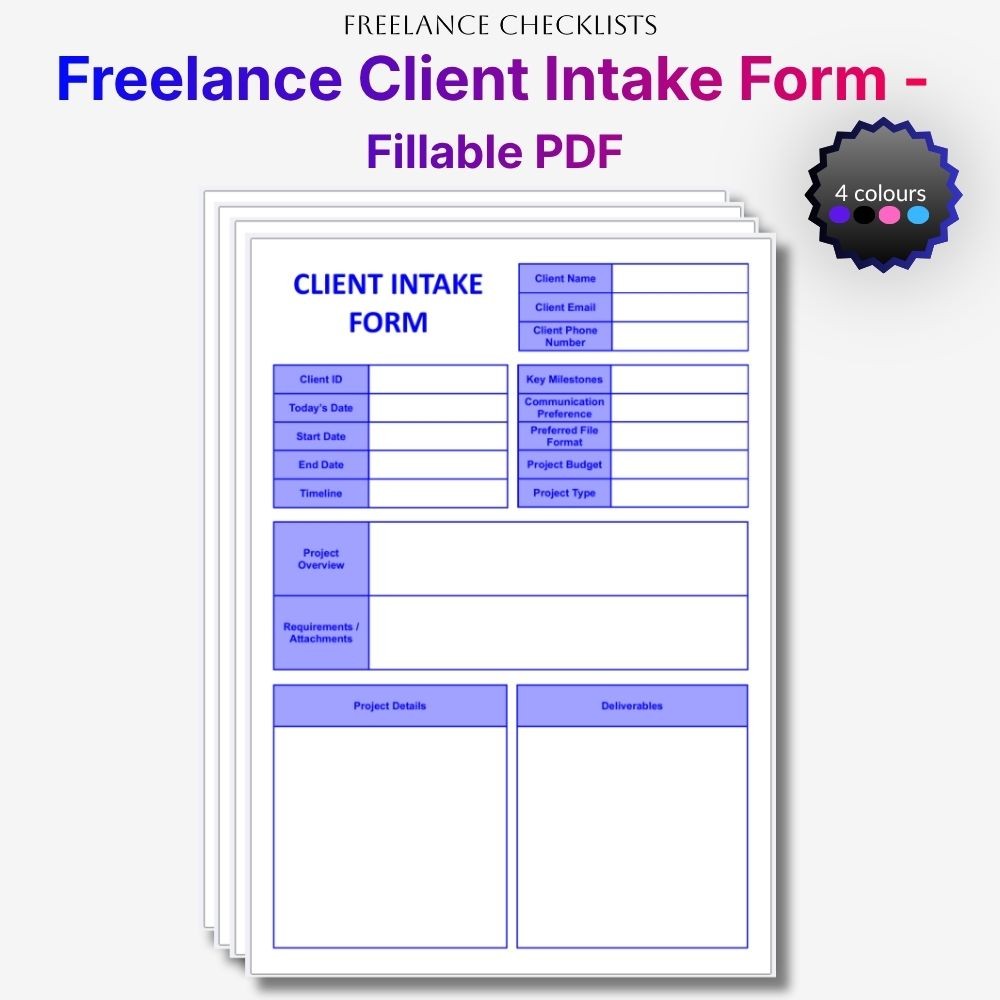
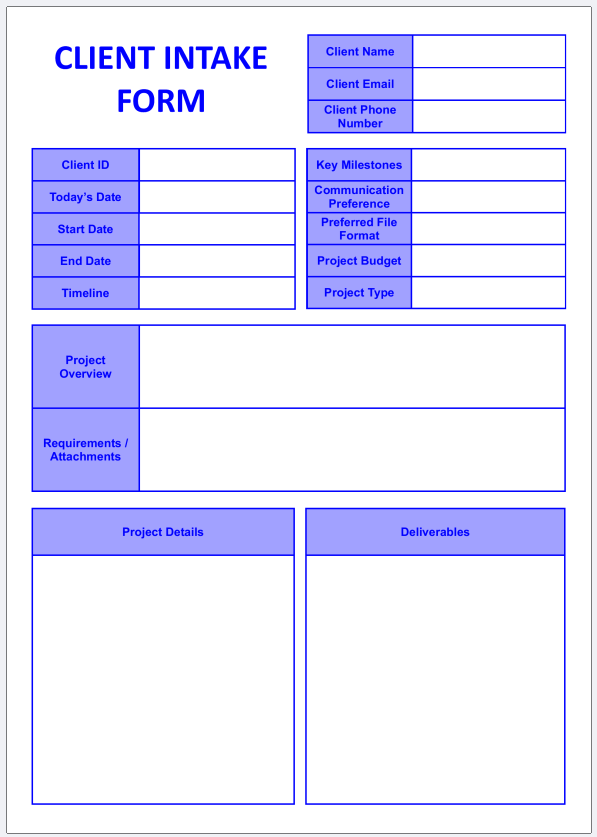
A clean, modern client intake form designed to help you onboard new clients professionally and keep your project scopes perfectly organised. Its structured layout makes it easy to record contact details, administrative timelines, project deliverables, and specific technical requirements with absolute clarity.
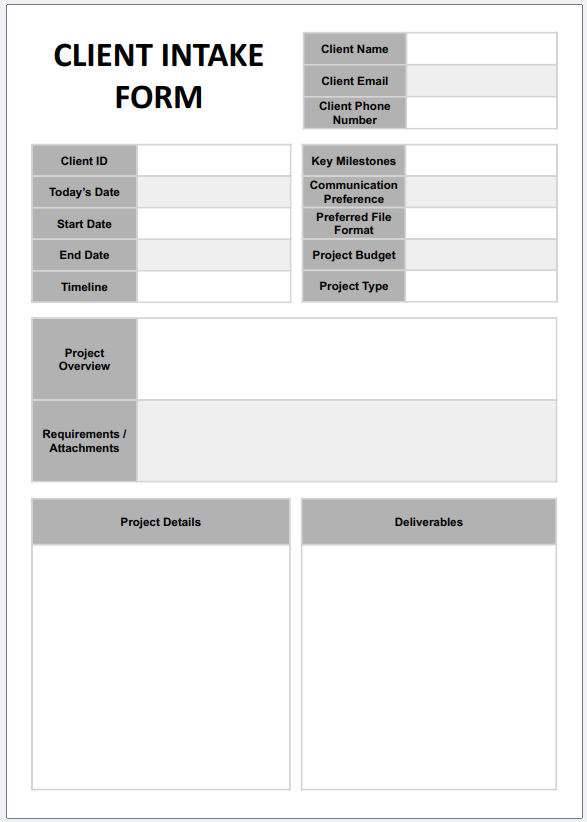
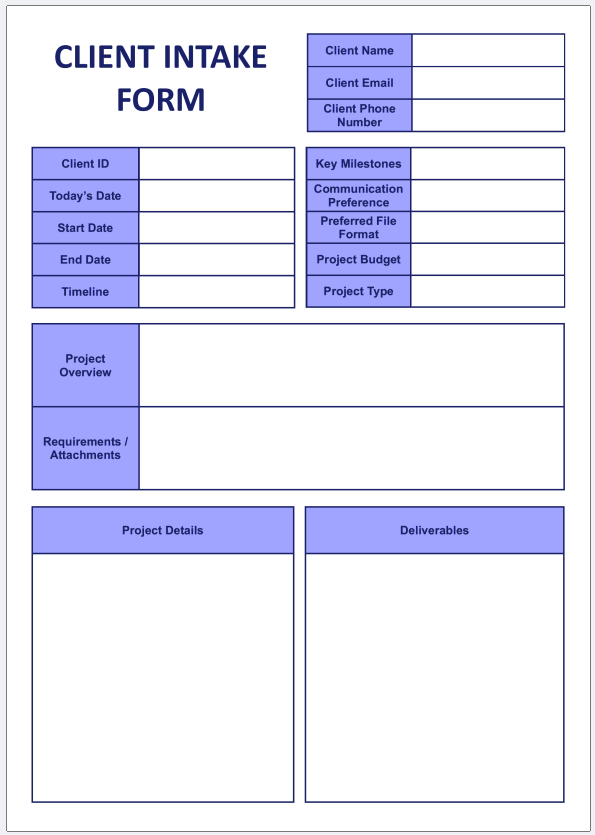
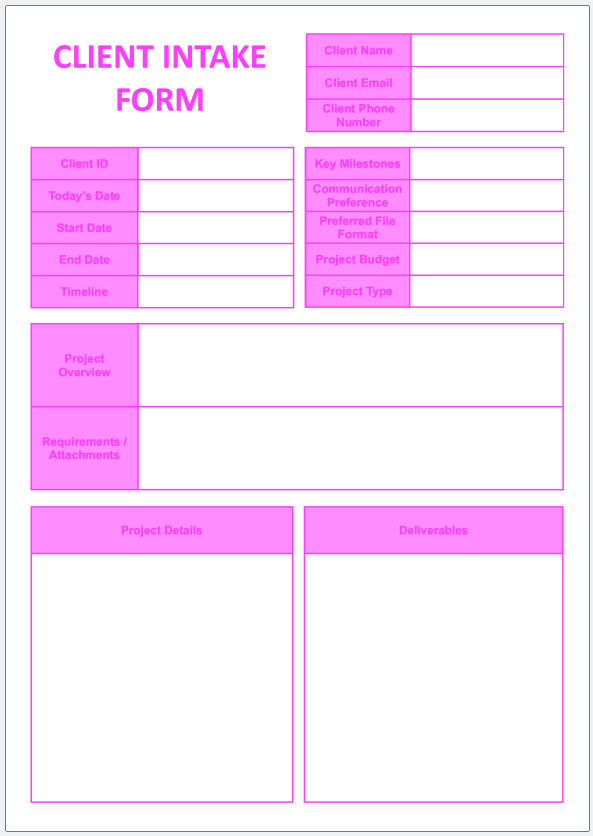
Download includes 4 fillable PDFs in four colours: purple, pink, blue, and black-and-white giving you maximum choice and a consistent aesthetic across your business documents.
Each fillable PDF gives you:
-
- Structured Client Details Section: Dedicated fields to cleanly capture essential contact data including client names, email addresses, and phone numbers without clutter.
- Administrative Project Matrix: Seamlessly log crucial organizational timelines, start and end dates, client identification reference keys, and milestone checkpoints.
- Comprehensive Project Scope Matrix: Organized text blocks to map out target deliverables, preferred communication channels, required file format outputs, and baseline budget constraints.
- Deep-Dive Multi-Line Requirements Fields: Spacious, multi-line containers engineered with scrollable properties so your clients can easily type out exhaustive project overviews and detailed technical requirements.
- Dedicated Attachments Checklog: A clean visual container to track complementary briefs, assets, or contract attachments required to initiate the project lifecycle.
- Minimal, distraction-free design that keeps your onboarding briefs looking clean, modern, and easy to read.
How to Use Your Intake Form:
Onboarding new clients is completely effortless. Simply email the fillable PDF directly to your new client as a standard attachment after booking, or link it inside your signature greeting note. The client can open the document directly inside any desktop web browser or on a tablet using the free Adobe Acrobat Reader App to fill out their details. Once they finish typing, they can save the document and email the completed project brief straight back to your inbox for your review!
After filling in the PDF, you can easily “flatten” it (make it non-fillable) by printing to PDF – this creates a clean, non-fillable final version to save for your records. Instructions: Open your filled receipt → choose Print → select “Save as PDF” → save. The new file will be a clean, non-fillable PDF.
Perfect for freelancers, creators, small business owners, and anyone who wants a simple, professional client intake form they can customise for any client or project.
See how the fillable fields work – quick 18‑second demo:
Related products
-
Sale!
-
Sale!
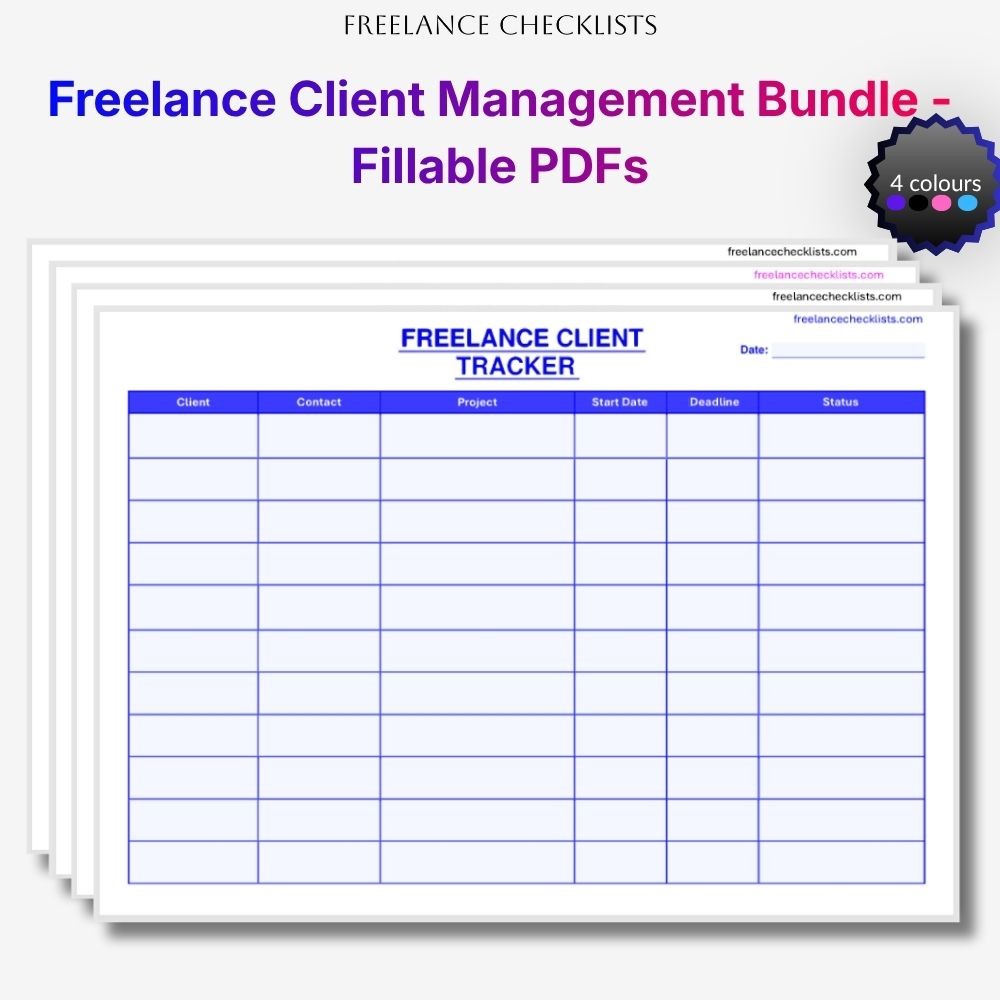
Freelance Client Management Bundle – Lead Tracker, Client Tracker, Onboarding Checklist, Offboarding Checklist, Client Intake Form
Original price was: $13.99.$7.49Current price is: $7.49. -
Sale!
-
Sale!
Reviews
There are no reviews yet.