
Freelance Service Agreement / Contract Form
Original price was: $5.99.$3.99Current price is: $3.99.
Description
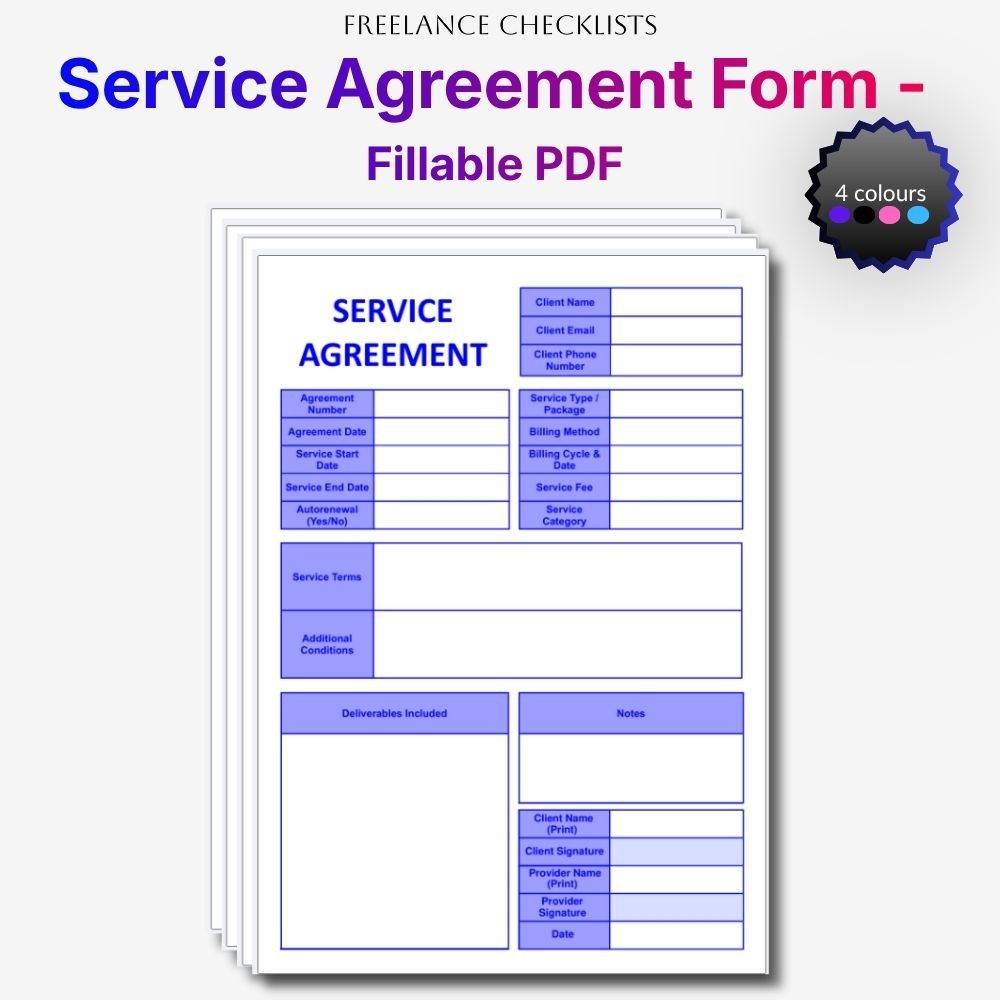
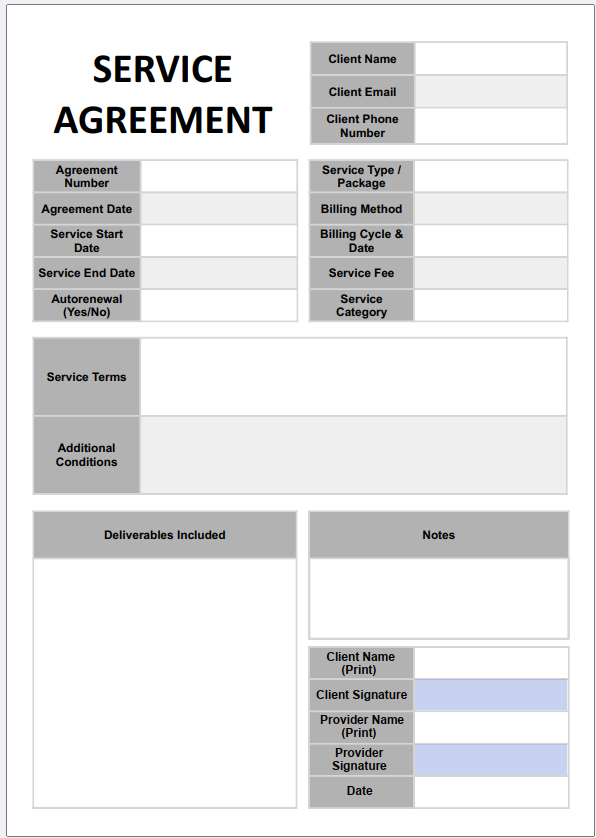
A clean, modern service agreement designed to help you outline project terms professionally and keep your client commitments perfectly organised. Its structured layout makes it easy to record agreement details, billing information, service packages, timelines, and deliverables with absolute clarity.
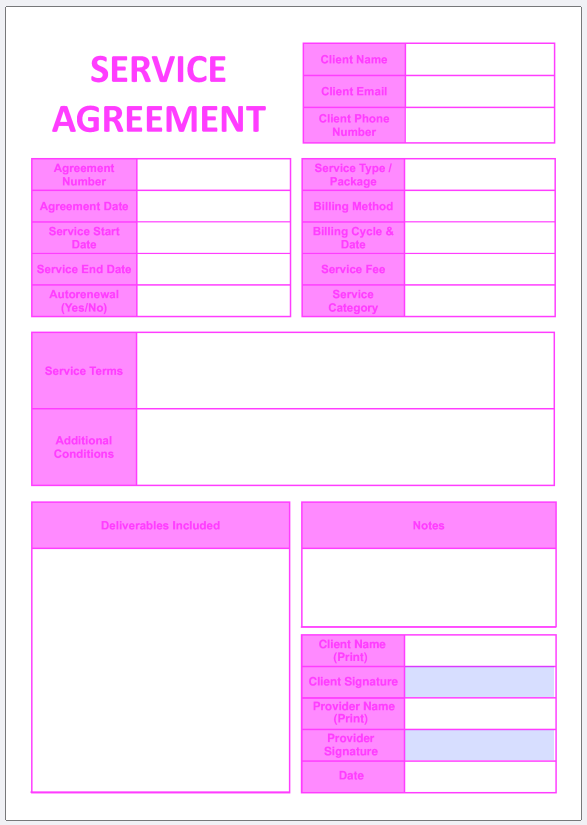
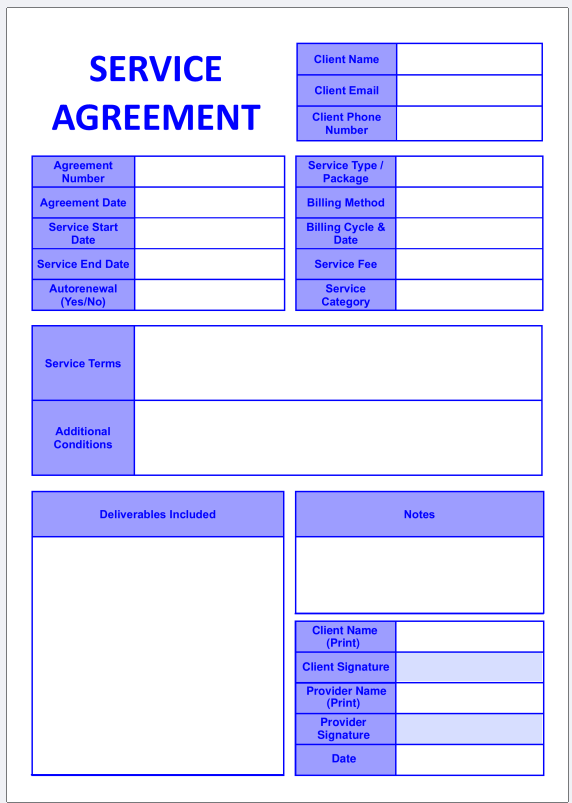
Download includes 4 fillable PDFs in four colours: purple, pink, blue, and grey, giving you maximum choice and a consistent aesthetic across your business documents.
Each fillable PDF gives you:
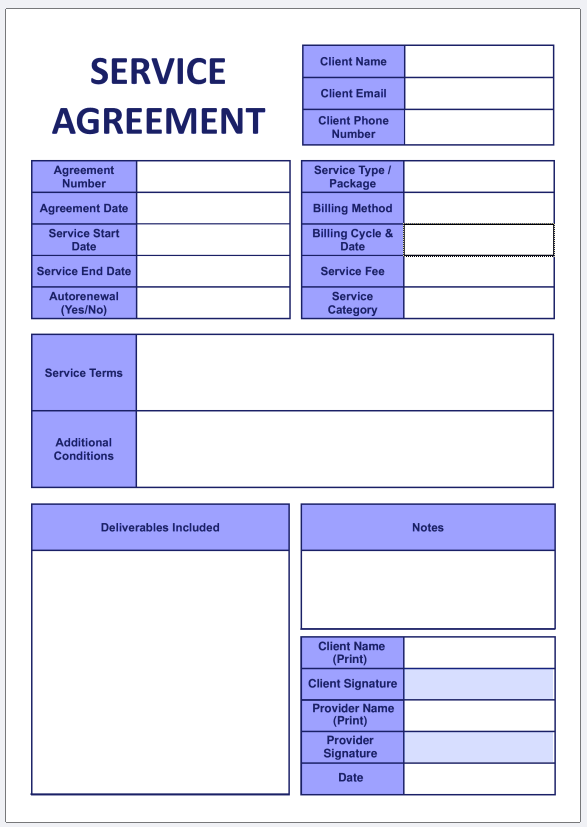
- Structured Client Details Section: Clean fields to capture essential contact information including client names, email addresses, and phone numbers.
- Administrative Agreement Matrix: Dedicated boxes to log agreement numbers, agreement dates, service start dates, service end dates, and autorenewal indicators.
- Service & Billing Overview: Clear fields for service type, package selection, billing method, billing cycle & date, service fee, and service category.
- Comprehensive Terms & Conditions Blocks: Spacious multi‑line containers to outline detailed service terms, expectations, and any additional conditions agreed with the client.
- Deliverables & Notes Section: Two large text areas to document the deliverables included in the agreement and any important notes or clarifications.
- Signature Section: Includes client signature, provider signature, printed names, and date — allowing both parties to sign the agreement digitally or by hand.
- Minimal, distraction‑free design that keeps your agreements looking clean, modern, and easy to read.
How to Sign the Agreement (With or Without Adobe)
Clients can sign the agreement in whichever way works best for them:
If they have Adobe Acrobat Reader (free):
They can click the signature field and use Adobe’s built‑in signature tool to type, draw, or upload a signature.
If they don’t have Adobe:
They can still sign easily using any standard PDF viewer:
- Microsoft Edge: Use the built‑in “Draw” tool to hand‑draw a signature directly on top of the signature line.
- Mac Preview: Use the “Markup” tool to draw or insert a saved signature.
- iPad / Tablet: Use the device’s pen or finger to sign using the PDF markup tools.
- Foxit Reader (free): Use the signature tool or draw directly on the PDF.
Every major device supports drawing or typing a signature – no special software required.
How to Use Your Service Agreement
Setting up new client agreements is effortless. Simply email the fillable PDF directly to your client after confirming the project details, or attach it inside your onboarding message. The client can open the document in any desktop browser or on a tablet to fill out their information and sign the agreement. Once completed, they can save the file and email the finalised agreement straight back to your inbox for approval.
After filling in the PDF, you can easily “flatten” it (make it non‑fillable) by printing to PDF – this creates a clean, non‑editable version for your records. Instructions: Open your filled form → choose Print → select Save as PDF → save. The new file will be a clean, non‑fillable PDF.
Perfect for freelancers, creators, small business owners, and anyone who wants a simple, professional service agreement they can customise for any client or project.
Quick demonstration of fillable fields:
Related products
-
Sale!
Freelance Workflow Guide Bundle – Kick-off Guide, Onboarding Guide, Offboarding Guide
Original price was: $14.99.$12.99Current price is: $12.99. -
Sale!
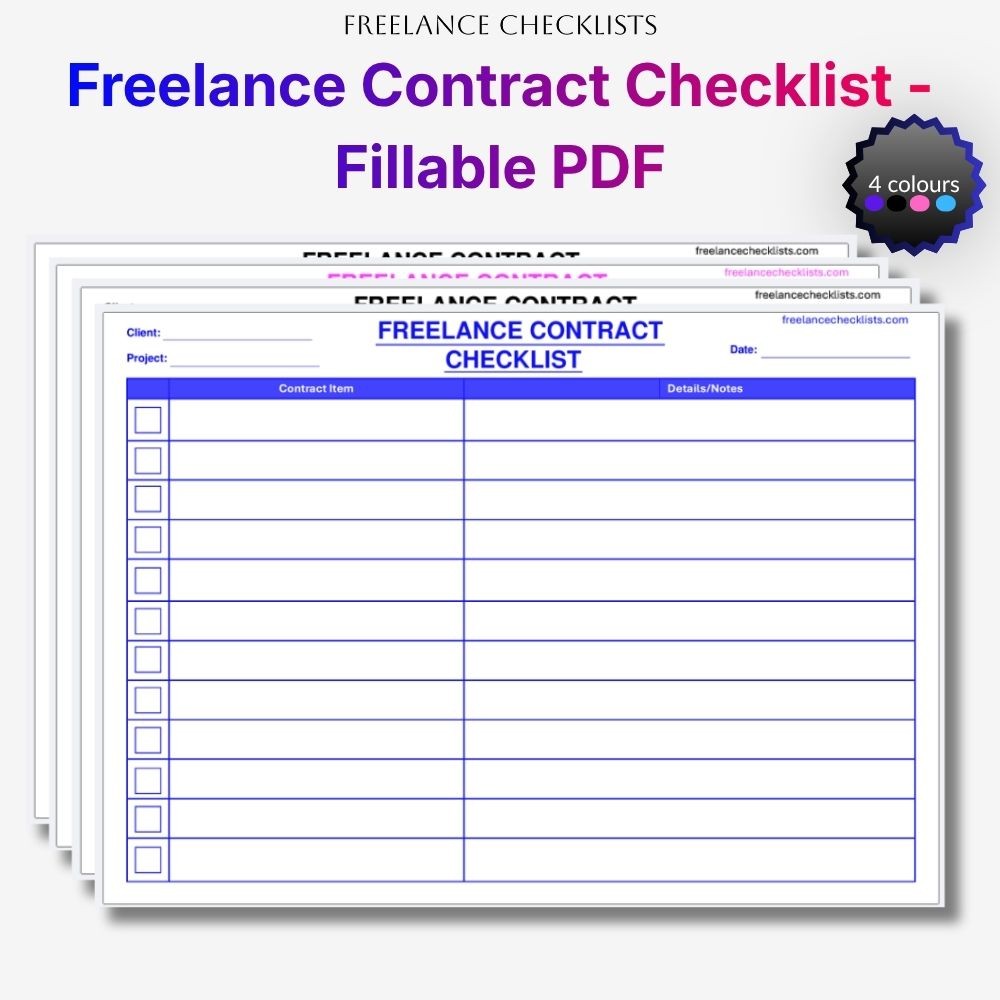
-
Sale!
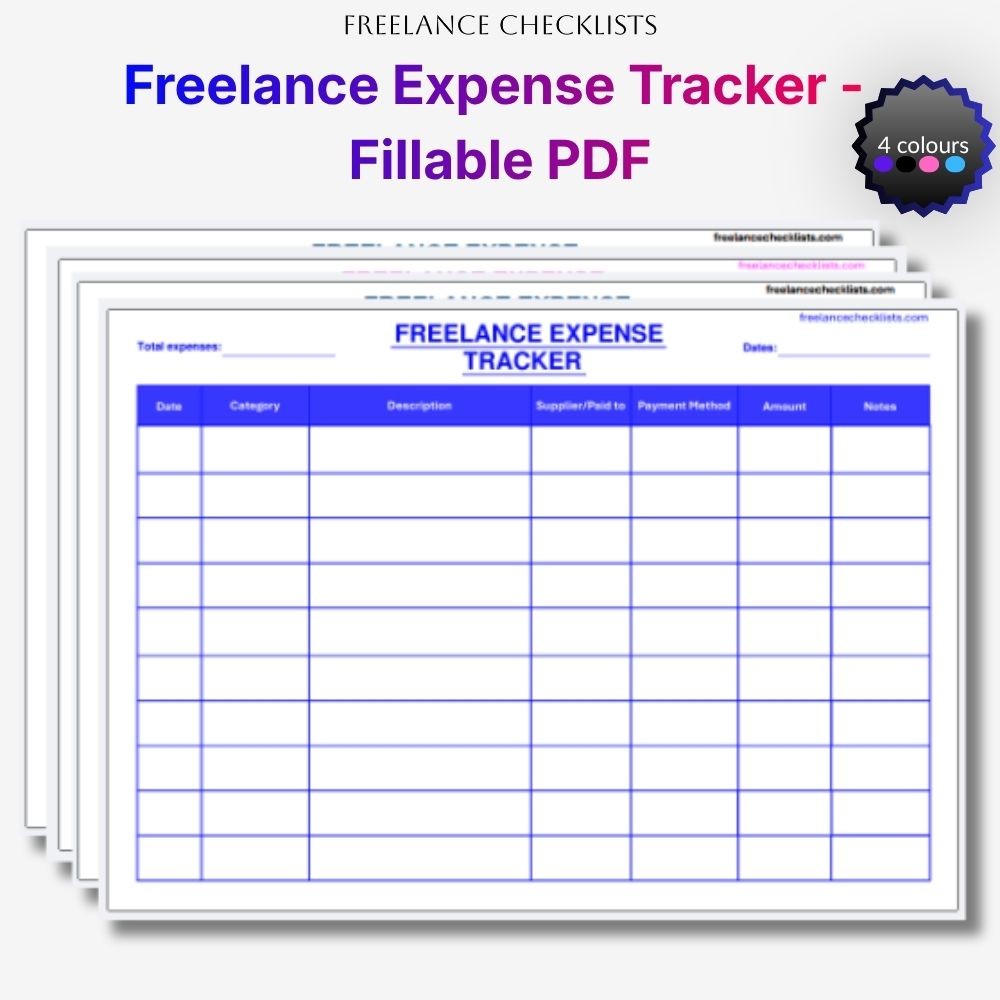
-
Sale!
Reviews
There are no reviews yet.